New Devices, New Accounts, One Long Weekend. What to Write Down First
Holiday shopping and gift hardware add accounts faster than any other stretch of the year, and the first password cleanup fails on recovery, not on the passwords themselves.
Pinned by Josephine Lachance5 min read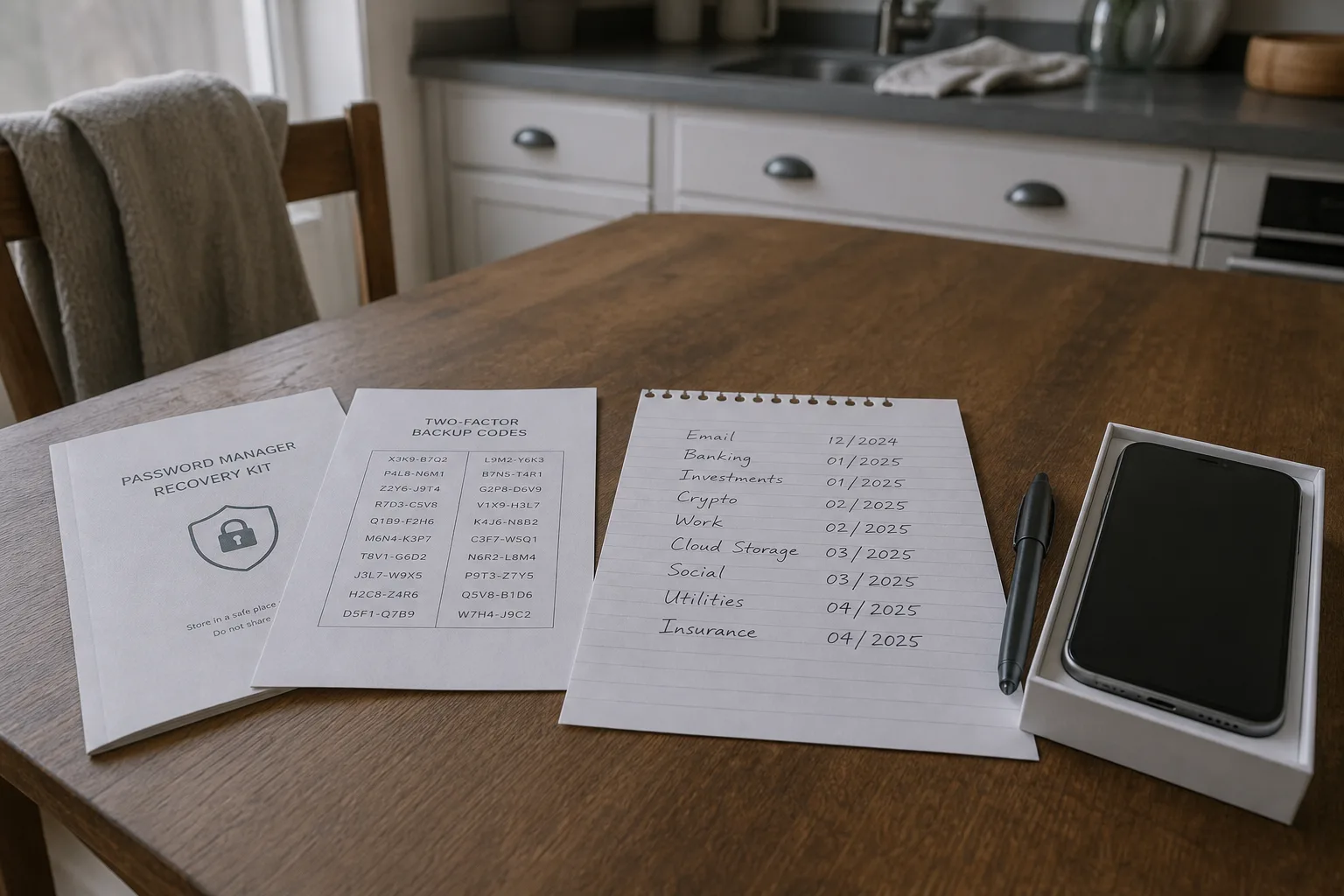 A printed password manager recovery kit and a sheet of two-factor backup codes on a kitchen table, beside a handwritten list of account names with dates, a n...
The stretch between Thanksgiving and the middle of January adds more accounts to a household than any other run of weeks in the year. Retail sites you used once for a single gift, a streaming trial someone signed up for on a new tablet, a warranty registration, an airline profile, the app that came with the thermostat. By the time the decorations come down, most people are carrying a dozen credentials they never deliberately decided to create, and the first serious attempt to get all of it in order usually happens in early January, on a quiet afternoon, by someone who has never done it before.
That first attempt fails in a predictable way, and it is worth knowing the shape of the failure before you start.
The assumption is that the password is the thing being protected
Most people beginning this work believe the job is to replace weak passwords with strong ones, account by account, until the list is done. That is half of it. The other half, and the half that actually decides whether someone gets into your accounts, is the recovery path: the email address a reset link goes to, the phone number that receives a code, the security questions answered years ago with information that is now on a public profile somewhere. A very strong password on a shopping account whose reset link lands in an abandoned webmail inbox is not a strong account. It is a strong front door on a building with an open side entrance.
So the order matters. Before you change anything else, secure the email address that everything else resets through, and know which address that is for each account, because in most households it is not one address but three or four accumulated over fifteen years. Write that mapping down. Not in your head, and not as a vague sense that most things go to the Gmail account. A plain list of every account you can think of and the email address attached to it is the single most useful document produced during a password cleanup, and almost nobody makes one.
What the guidance actually says now, and what it stopped saying
The advice many people were trained on, forced rotation every sixty or ninety days, a required symbol, a required capital, a required digit, was withdrawn by the standards body that wrote it. The National Institute of Standards and Technology is responsible for the federal digital identity guidance that most corporate password policies were built from, and the current direction of that guidance is length over composition, uniqueness over complexity, and no scheduled expiration unless there is evidence of compromise. The reasoning is behavioral rather than mathematical. Composition rules and rotation schedules push people toward predictable patterns, and predictable patterns are exactly what an attacker with a leaked list is testing for.
For a first-timer this changes the work in a practical way. You are not trying to invent memorable clever passwords for eighty sites. You are generating long random strings you will never see again, storing them somewhere that survives a lost phone, and reserving your actual memory for two or three things: the master password to the manager, the passcode to your phone, and the password to your primary email. Everything else is written down by the software. The mental effort moves from remembering to recording.
The record is the part that breaks, and the part you control
Every password manager issues recovery material when you set it up. Some call it a recovery kit, some a secret key, some a set of one-time backup codes for two-factor authentication. It appears once, on screen, during setup, at exactly the moment a first-time user is least interested in it, and it is regenerated only with difficulty or not at all. Print it. If you cannot print it, photograph it and move the photograph off the phone that is also holding the vault, because a single lost device should not take both the lock and the key. Then decide where the paper lives, and tell one other person in the household where that is.
The same applies to two-factor backup codes on individual accounts, which are usually offered in a batch of eight or ten when you first turn on authentication. Those codes are the answer to the specific January problem of a phone that was replaced over the holidays and an authenticator app that did not come across with the transfer. Write on the paper which account each set belongs to and the date you generated them, because a page of unlabeled digits found in a drawer eighteen months later is worth nothing. Date everything you write down during this work. It costs four seconds and it settles arguments with yourself later.
Keep one more record, which is the log of what you changed and when. A running note with the account name, the date you rotated the password, and whether two-factor is now on. When a breach notice arrives in March naming a company you dealt with in December, that note is what tells you whether you were still using the old credential at the time, and whether the account shares a password with anything else. Memory will not tell you that. A dated line will.
Doing it in an order that does not lock you out
A first pass does not need to cover every account. It needs to cover the ones that unlock others. Start with primary email, then the phone carrier account, because that is where a number gets ported away from you, then anything holding a stored payment method or a bank connection. Those are perhaps eight accounts. Do those slowly, with the recovery codes printed before you move on, and leave the retail logins from the gift season for a second sitting. Trying to do all of it at once is how people end up half-migrated, with some passwords in the manager, some in the browser, and no clear sense of which is current.
Expect two or three accounts to resist. An old utility login with a phone number you no longer use, a store account tied to a work address from a previous job. Handle those by phone or by written support ticket rather than guessing at answers, and save the ticket number and the reply. Written confirmation that an account was recovered on a particular date, in a particular way, is worth having if the same account is disputed later. That is true of a billing account and it is true of an inbox.
By the end of a careful weekend, the household has something it did not have in November: a list of accounts, an email address beside each one, a printed recovery kit in a known place, and a dated log of what was changed. The passwords themselves are the least interesting part of that. They are long, they are random, and no one needs to think about them again. The record is what you will actually use.
Posted under Innovation